
REDM • STANDALONE RESOURCE
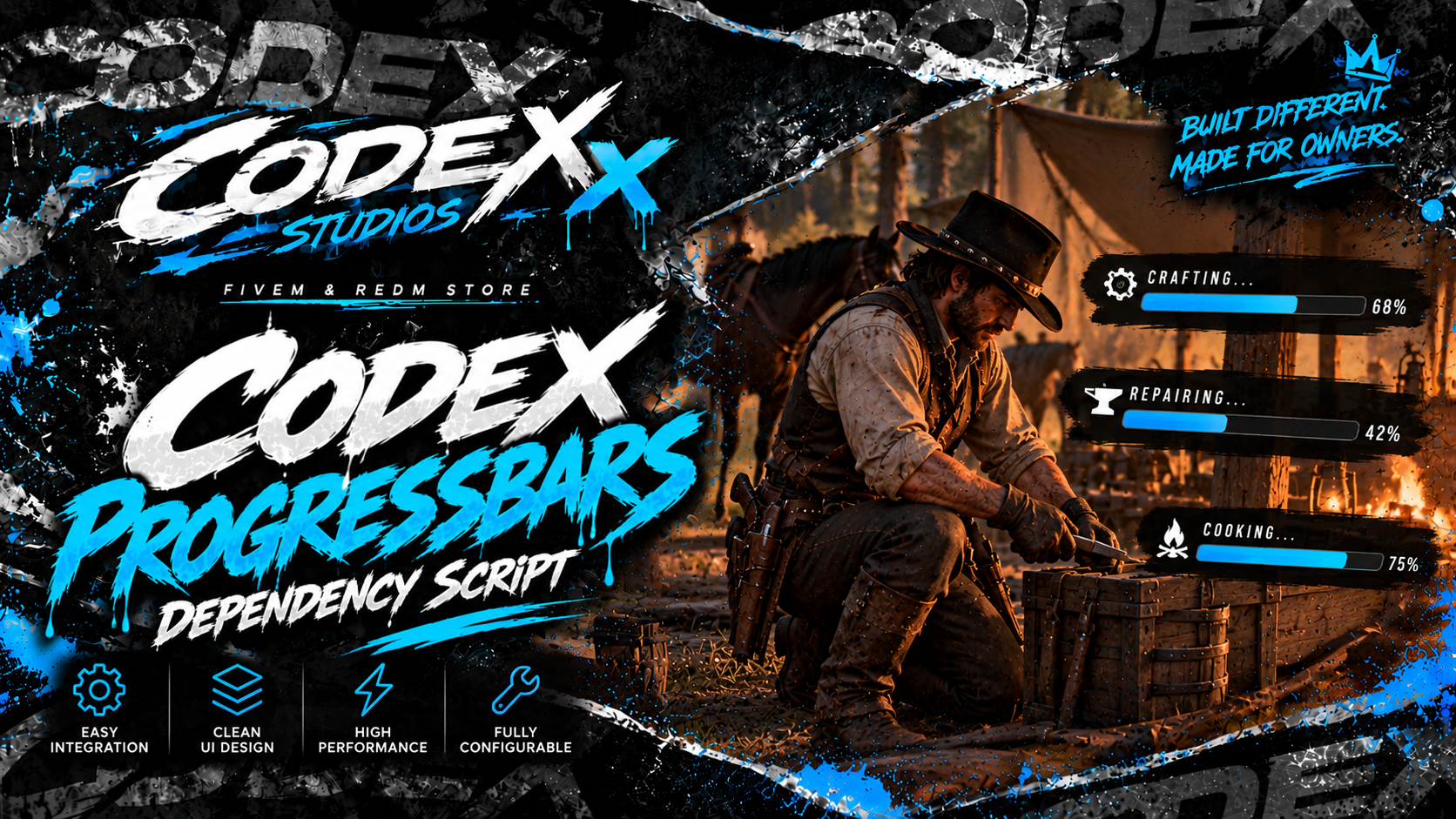
CODEX PROGRESSBARS
Clear feedback for every timed action.
CANCELLATION • OPTIONAL ICONS • CLIENT EXPORTS
Add a standalone progress UI to your RedM scripts. Display a title, description, and optional item image while an action runs, then handle completion or cancellation from your client code.
Use it for timed actions in your farming, crafting, gathering, or processing scripts. Your script controls the gameplay; Codex Progressbars provides the progress display and completion result.
What’s included
- Standalone operation: No framework, inventory, crafting system, SQL, or server dependency required.
- Custom action text: Set a title and description for each progress bar.
- Optional item icons: Supply a valid NUI or browser image URL.
- Completion result: The recommended export waits and returns true when completed, or false when cancelled.
- Configurable cancellation: Allow ESC cancellation for actions that can be interrupted.
- No NUI focus capture: ESC cancellation uses RDR2 client controls without taking NUI focus from other menus.
- Integration helpers: Start a bar, cancel it, check its state, and listen for its finish event.
Quick installation
Place codex_progressbars in your server’s resources folder and add the following to your server configuration:
ensure codex_progressbarsStart it before any resources that call its exports.
Recommended client export
Call Progress from your client script and use its boolean result to decide what happens next.
local completed = exports['codex_progressbars']:Progress({
    title = 'Gathering Herbs',
    description = 'Collecting fresh herbs...',
    duration = 5000,
    canCancel = true,
    icon = 'nui://your_inventory/html/img/items/herb.png'
})

if completed then
    print('Completed')
else
    print('Cancelled')
end
The icon URL above is an example; replace it with your image path or omit the icon field. StartProgress is also available as an alias of Progress.
Flexible timing
Use duration or durationMs for milliseconds. For v-craft-style timing, use time in seconds. The label field is supported as shown below.
local completed = exports['codex_progressbars']:Progress({
    label = 'Preparing Materials',
    description = 'Getting everything ready...',
    time = 9,
    canCancel = true
})
Cancel and check state
Cancel an active progress bar from another client script, or check whether one is running.
-- Cancel the active bar
exports['codex_progressbars']:Cancel()

-- Check whether a bar is running
local active = exports['codex_progressbars']:IsActive()
Event-based integration
Start a bar through the client event and assign an ID to identify the action when it finishes.
TriggerEvent('codex_progressbars:client:start', {
    id = 'my_action_1',
    title = 'Processing',
    description = 'Please wait...',
    duration = 5000,
    canCancel = true
})
When a bar ends, the local finish event provides its ID, success state, and reason.
AddEventHandler('codex_progressbars:client:finished', function(result)
    print(result.id)
    print(result.success)
    print(result.reason)
    -- completed / cancelled / forced / resource_stop
end)
Before you install
- Platform: RedM.
- Dependencies: No framework, inventory, crafting, SQL, or server dependency required.
- One bar at a time: Only one progress bar can run simultaneously.
- Integration required: Call an export or event from your client scripts to display progress.
- UI scope: This resource provides progress feedback, not crafting logic, inventory rewards, or server-side action validation.
Based on the progress UI portion of the supplied v-craft resource. No crafting system is included.
GIVE EVERY ACTION A CLEAR FINISH.
Codex Progressbars for RedM.